
Fedora Workstation 45: what the desktop brings, and how it differs from Atomic
Fedora Workstation is Fedora’s flagship desktop variant. In 45 the changes that matter most to desktop users concentrate in three places: desktop environment versions, the secret service implementation, and how applications are distributed.
What you see after boot
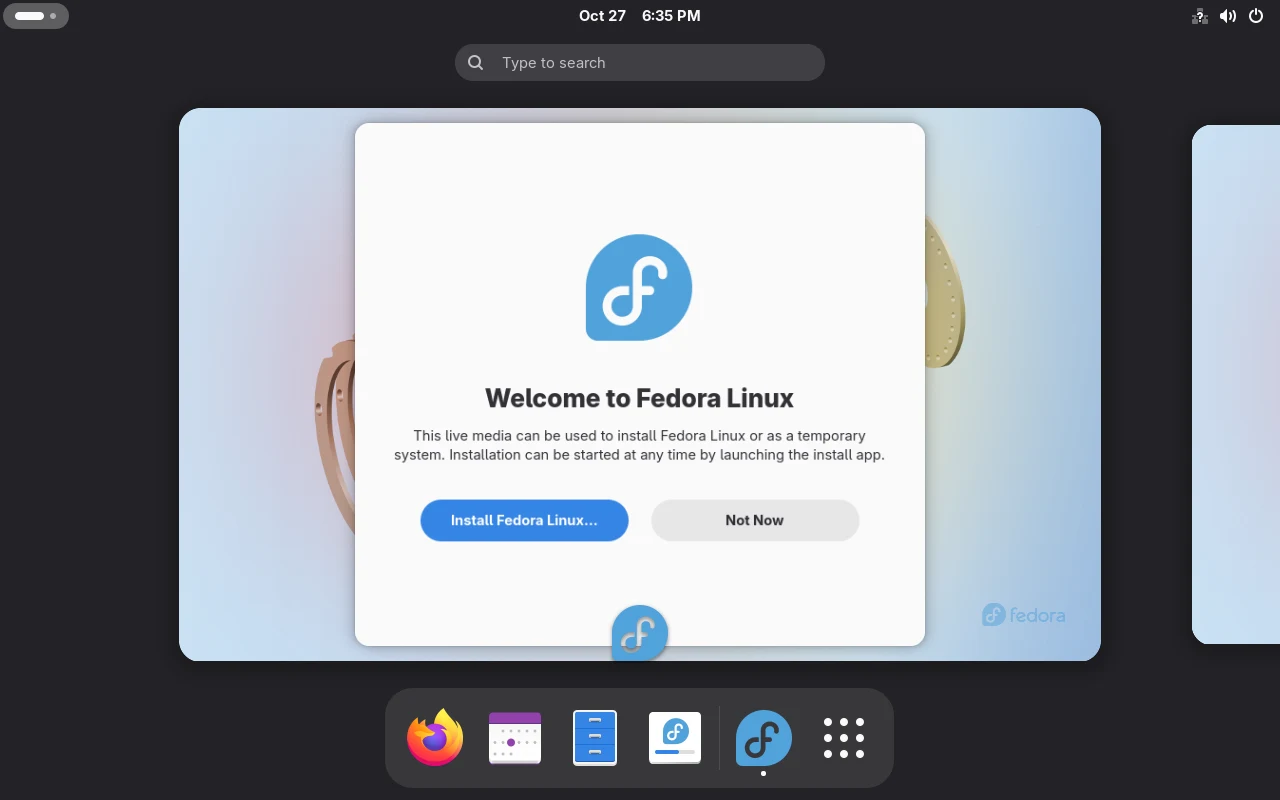
Section titled “What you see after boot”The first screen once the F45 Workstation Live medium finishes booting. This dialog only exists on the Live media; an installed system does not show it:
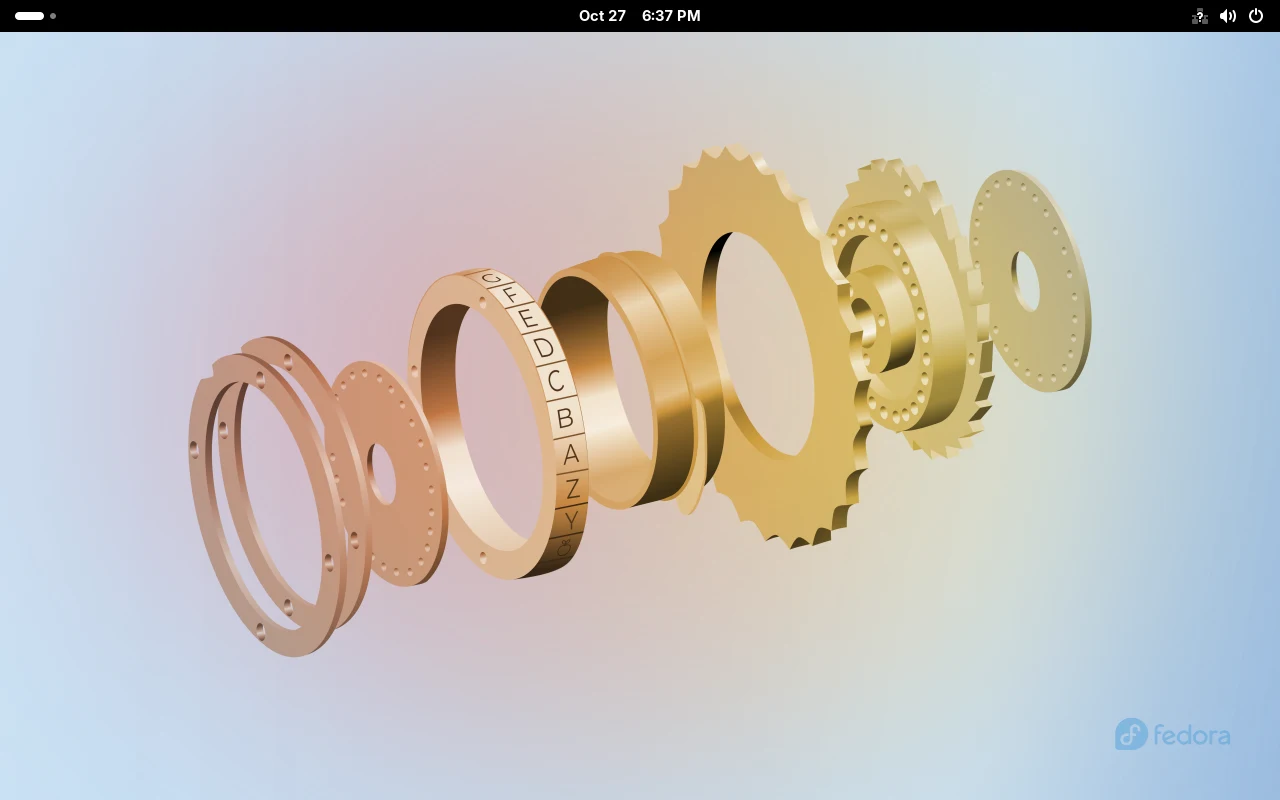
Dismiss it and you get the plain desktop. F45’s default wallpaper is the copper-gold gear assembly:
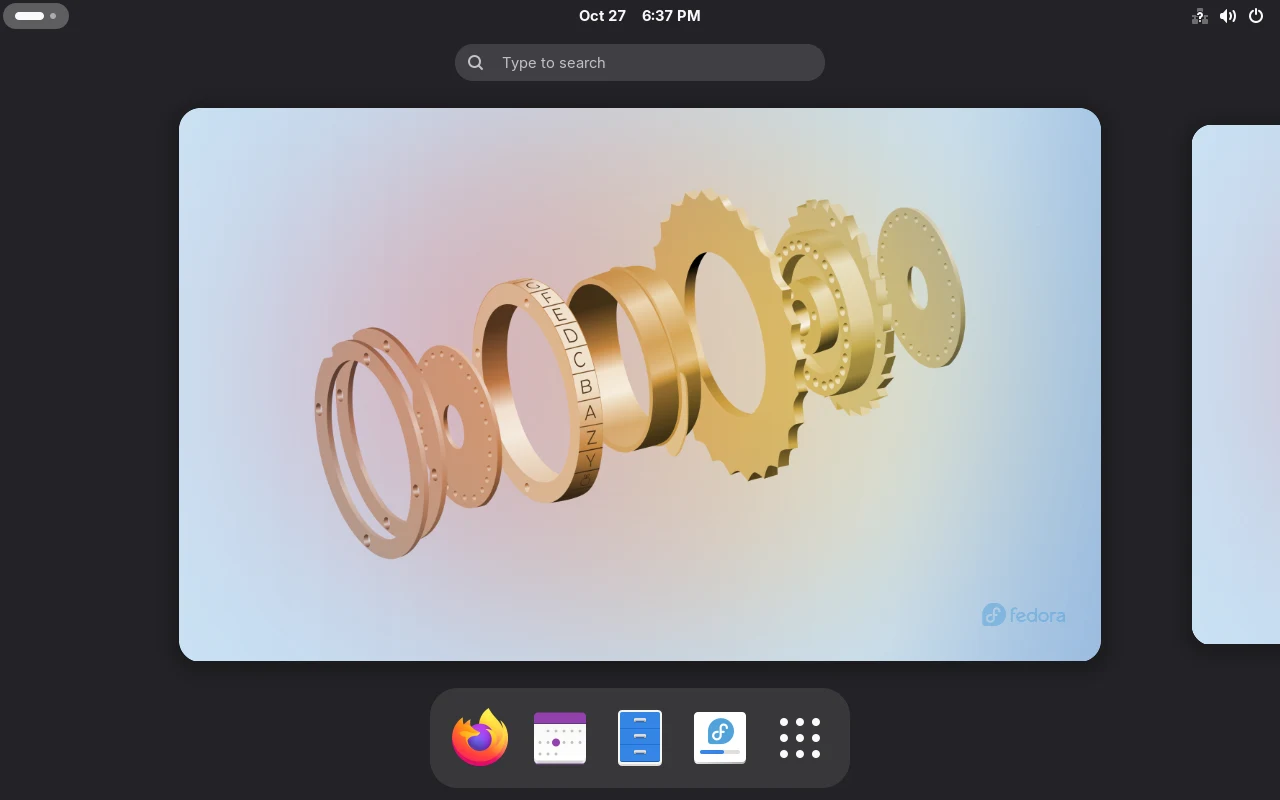
The top-left Activities entry opens the overview, where windows and workspaces live:
The app grid — roughly the default preinstalled set on F45 Workstation:
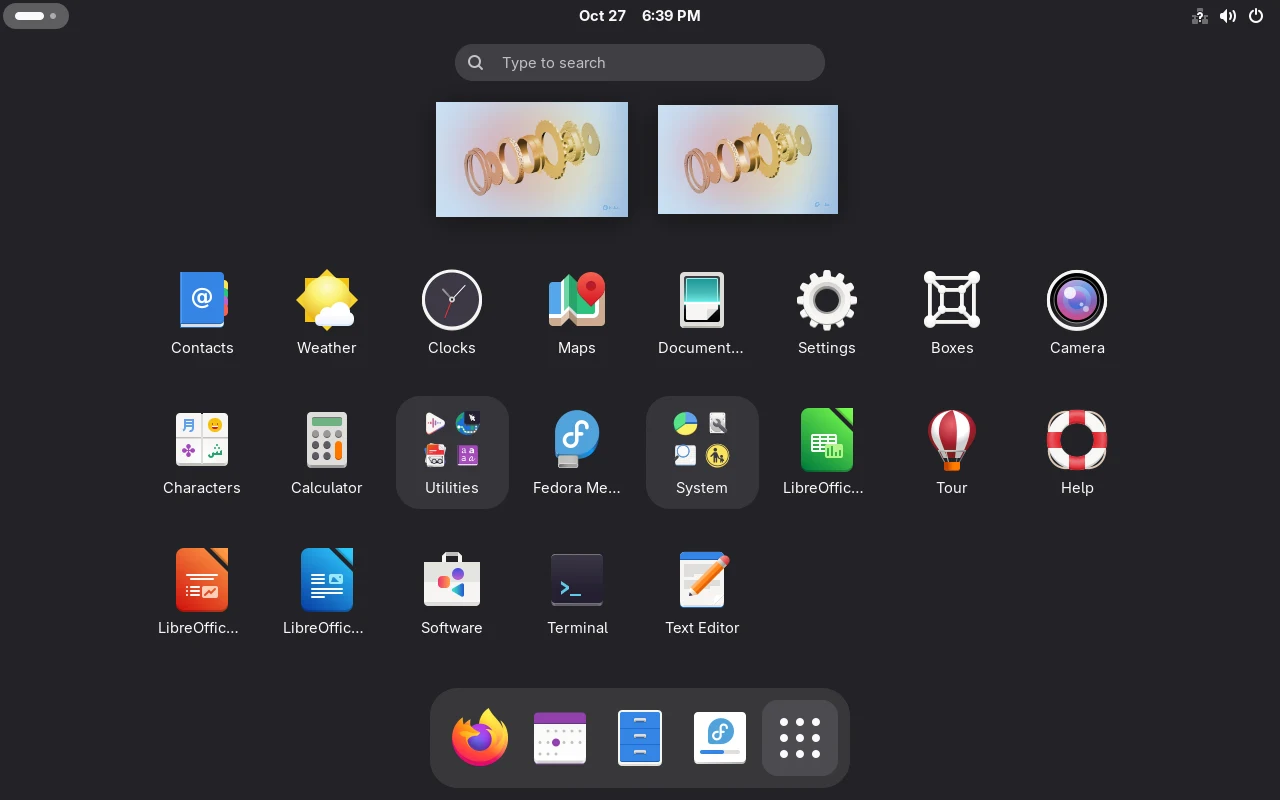
Several things are readable from the grid: Terminal and Text Editor ship by default; LibreOffice appears three times (Writer/Calc/Impress); Boxes is preinstalled, so the virtualisation client is still there; no IDE is bundled.
Desktop component versions
Section titled “Desktop component versions”These versions come from package queries against the F45 repositories and can be checked line by line:
dnf list --available gnome-shell mutter gnome-software plasma-desktopgnome-shell.x86_64 51.0-1.fc45 fedoramutter.x86_64 51.0-1.fc45 fedoragnome-software.x86_64 51.0-1.fc45 fedoraplasma-desktop.x86_64 6.7.5-1.fc45 fedora| Desktop | Versions | Variant |
|---|---|---|
| GNOME | gnome-shell 51.0, mutter 51.0 | Workstation itself |
| KDE Plasma | plasma-desktop 6.7.5 | Fedora KDE Plasma Desktop |
| Secret service | oo7 0.7.0~beta | shared by both |
How it differs from Cloud and Server
Section titled “How it differs from Cloud and Server”Same F45, different install path, completely different result:
| Item | Workstation | Server | Cloud |
|---|---|---|---|
| Desktop session | yes (GNOME) | no | no |
| Secret service | oo7 runs with the session | installed but idle | same as Server |
toolbox | install manually | install manually | install manually |
flatpak | preinstalled, Flathub configured | absent | absent |
| Console | kmscon may take over | hardware dependent | local VT rarely used |
These are not “lite” versus “full” but different default package sets. Installing desktop components on Server does not give you a session.
Upgrading from 44
Section titled “Upgrading from 44”Workstation users can take the graphical route; no commands to memorise:
- bring 44 fully up to date first (GNOME Software → Updates);
- open the upgrade entry and follow the prompts through download and reboot;
- back up and read the Release Notes before starting.
Command-line users can use the same dnf system-upgrade; steps are in upgrading to Fedora 45.
Three things to verify after upgrading
Section titled “Three things to verify after upgrading”gnome-shell --versionrpm -q oo7-daemon gnome-keyringflatpak remotesGNOME Shell 51.0oo7-daemon-0.7.0~beta-2.fc45.x86_64package gnome-keyring is not installedflathub system- desktop version:
gnome-shell --versionshould report 51.x; - secret service:
gnome-keyringbeing absent is expected — see oo7 in F45; - application source:
flathubshould be listed, otherwise the desktop cannot find applications.
Workstation or Atomic desktop
Section titled “Workstation or Atomic desktop”| Workstation | Atomic (Silverblue / Kinoite) | |
|---|---|---|
| System updates | per-package | whole-image replacement plus rollback |
| Installing dev tools | dnf install directly | into a Toolbx container |
| Switching desktop | reinstall another variant | rpm-ostree rebase |
| Suits | frequent system changes, driver installs | a clean host with a containerised workflow |
Both are official variants and neither is more “proper”. The test is which maintenance model you can live with, not which one updates.
Evidence boundary
Section titled “Evidence boundary”The component versions on this page come from package queries against the F45 repositories and can be checked item by item; the oo7 D-Bus takeover was measured on F45. The desktop session itself — GNOME 51’s new interface, first-run Flatpak experience, suspend and graphics — was not tested end to end, because the lab has no Workstation media.
Related pages
Section titled “Related pages”- oo7 in Fedora 45: the desktop secret service — the implementation swap
- Install Fedora (Workstation / Server) — install flow and media
- Atomic desktops and immutable systems — the other desktop route
- Desktop application distribution (Flatpak) — application sources and permissions
- Upgrading to Fedora 45 — version-specific steps
- Official: Fedora Workstation