
Networking on Fedora: NetworkManager and nmcli in practice
You do not configure networking on Fedora by editing /etc/network/interfaces (that is Debian) or by hand-writing ifcfg-* (old RHEL). NetworkManager is the way, and configuration lands in keyfiles. Below is the measured state on F45.
First look: devices and connections are different things
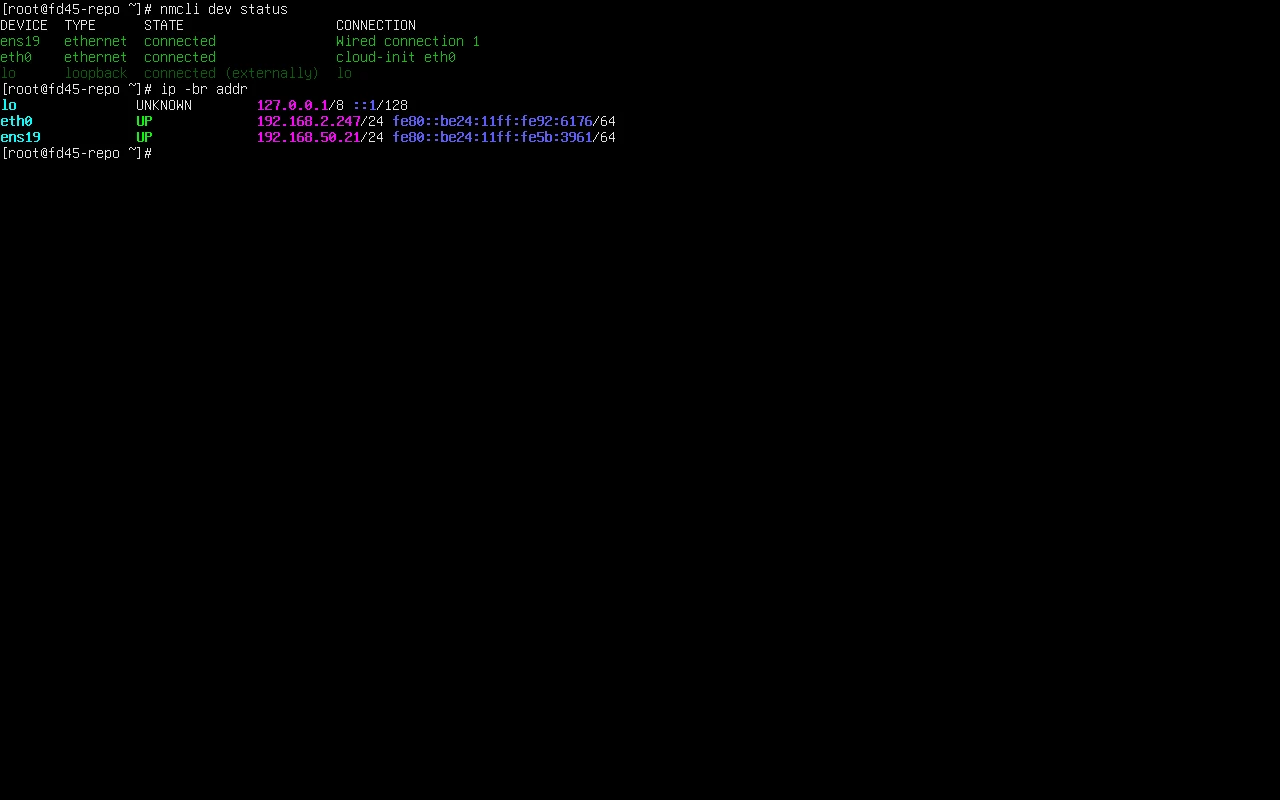
Section titled “First look: devices and connections are different things”nmcli dev statusnmcli con showDEVICE TYPE STATE CONNECTIONens19 ethernet connected Wired connection 1eth0 ethernet connected cloud-init eth0lo loopback connected (externally) lo
NAME UUID TYPE DEVICEWired connection 1 cf212e00-8e4d-3de6-8857-6c482a96bf14 ethernet ens19cloud-init eth0 1dd9a779-d327-56e1-8454-c65e2556c12c ethernet eth0lo 0bbf4b30-87a7-4515-846a-350b23d9eda8 loopback loA device is hardware; a connection is configuration. One device can carry different connections, and an unconfigured NIC shows as disconnected in dev status while not appearing in con show at all.
Where the configuration actually lives:
ls /etc/NetworkManager/system-connections/cloud-init-eth0.nmconnectionAddresses and routes
Section titled “Addresses and routes”ip -br addrip routelo UNKNOWN 127.0.0.1/8 ::1/128eth0 UP 192.168.2.247/24 fe80::be24:11ff:fe92:6176/64ens19 UP 192.168.50.21/24 fe80::be24:11ff:fe5b:3961/64
default via 192.168.50.1 dev ens19 proto dhcp src 192.168.50.21 metric 100192.168.2.0/24 dev eth0 proto kernel scope link src 192.168.2.247 metric 101With more than one default route, the smaller metric wins. Dual-NIC machines that “cannot reach the internet” often have the wrong NIC holding the default route.
Switching to a static address
Section titled “Switching to a static address”sudo nmcli con mod "Wired connection 1" \ ipv4.method manual \ ipv4.addresses 192.168.2.60/24 \ ipv4.gateway 192.168.2.1 \ ipv4.dns "223.5.5.5 192.168.2.1" \ ipv4.may-fail nosudo nmcli con up "Wired connection 1"Back to DHCP:
sudo nmcli con mod "Wired connection 1" ipv4.method autosudo nmcli con up "Wired connection 1"Common changes at a glance
Section titled “Common changes at a glance”| Goal | Command |
|---|---|
| device state | nmcli dev status |
| connection config | nmcli con show |
| switch to static | nmcli con mod "<name>" ipv4.method manual ipv4.addresses … |
| back to DHCP | nmcli con mod "<name>" ipv4.method auto |
| change DNS | nmcli con mod "<name>" ipv4.dns "223.5.5.5" |
| apply the change | nmcli con up "<name>" or nmcli dev reapply <device> |
| add a connection | nmcli con add type ethernet ifname <device> con-name <name> |
| delete a connection | nmcli con delete "<name>" |
| resolution only | getent hosts <name> |
Who owns DNS
Section titled “Who owns DNS”cat /etc/resolv.confresolvectl status | head -8nameserver 127.0.0.53options edns0 trust-adsearch hicyou.de127.0.0.53 is the systemd-resolved local stub — the real upstream servers are managed by resolved. The chain is: NetworkManager reads DNS from the connection, hands it to resolved, and resolved answers on 127.0.0.53.
So editing /etc/resolv.conf by hand usually does nothing: it is the managed target. Change DNS on the connection instead:
sudo nmcli con mod "Wired connection 1" ipv4.dns "223.5.5.5"sudo nmcli con up "Wired connection 1"Test resolution only, not connectivity:
getent hosts fedoraproject.orgThe order to check when it will not connect
Section titled “The order to check when it will not connect”ip -br link # 1) is the NIC upip -br addr # 2) does it have an addressip route # 3) where does the default route pointping -c1 <gateway-ip> # 4) is layer 2 workingping -c1 223.5.5.5 # 5) can it leave the network (IP, not name)getent hosts fedoraproject.org # 6) does resolution workss -tlnp # 7) what is listening locallyThe dividing line is between steps 5 and 6: IPs work but names do not means a DNS problem, not “the network is down”. That single distinction removes most of the work.
Related pages
Section titled “Related pages”- Error lookup — networking messages and fixes
- firewalld — port openings and zones
- SELinux — port types and booleans (needed when a service binds a new port)
- Storage and filesystems — disks and mounts
- Cheat sheet — networking commands
- Official: Configuring IP networking with nmcli